


Shopping for smart lighting often leaves homeowners sorting through a maze of confusing terms like lumens, CRI, and wireless protocols. These details can make a huge difference in how comfortable, safe, and energy-efficient your home feels, especially in busy urban spaces where every watt counts. In this article, you will find clear explanations for key smart lighting concepts and practical advice, so you can confidently choose the best DIY solutions for your space without getting lost in technical language.
| Point | Details |
|---|---|
| Understand Key Terms | Familiarize yourself with lumens, color temperature, and CRI to choose the right smart lighting for your space. |
| Choose the Right Protocol | Select a wireless protocol (Zigbee, Z-Wave, Wi-Fi) based on your home layout and number of devices for optimal performance. |
| Start with Basics | Begin with smart bulbs or motion sensors to see immediate benefits before expanding to a full system. |
| Check Compatibility | Always verify device compatibility to avoid issues with different protocols and ensure smooth operation across your smart lighting system. |
When you start shopping for smart lights, the terminology can feel overwhelming. You’ll see words like lumens, color temperature, and CRI thrown around without clear explanations. Most homeowners don’t realize these terms actually matter for getting the right lights for your specific spaces.
Lumens measure actual brightness output, not watts. This is the single biggest misconception people have. Your old incandescent bulbs were labeled by watts because that’s how much energy they used, but watts tell you nothing about how bright the light actually gets. Understanding lumens as brightness helps you choose lights that actually fit your needs, whether you’re lighting a dimly lit hallway or a bright kitchen workspace.
Color temperature determines whether light looks warm or cool. It’s measured in Kelvin (K). Lower values around 2700K produce warm, yellowish light that feels cozy in bedrooms and living areas. Higher values around 5000K or above create cool, bluish light that works better in kitchens and work areas. The key is matching the temperature to the room’s purpose.
Color Rendering Index (CRI) tells you how accurately colors appear under that light source. A higher CRI (90 and above) means colors look more natural and true to life. For spaces where color accuracy matters, like bathrooms or dressing areas, aim for higher CRI ratings. It won’t dramatically change the feel of your space, but it does affect how food, skin tones, and fabrics actually look.
Smart lighting systems also use terminology around automation and control. Terms like IoT connectivity, cloud platforms, and microcontroller integration sound technical, but they simply describe how your lights communicate with your phone or automation system. The good news is you don’t need to understand the technology inside your smart lights. Modern wireless systems handle all this complexity behind the scenes, making installation and control straightforward even for non-technical homeowners.
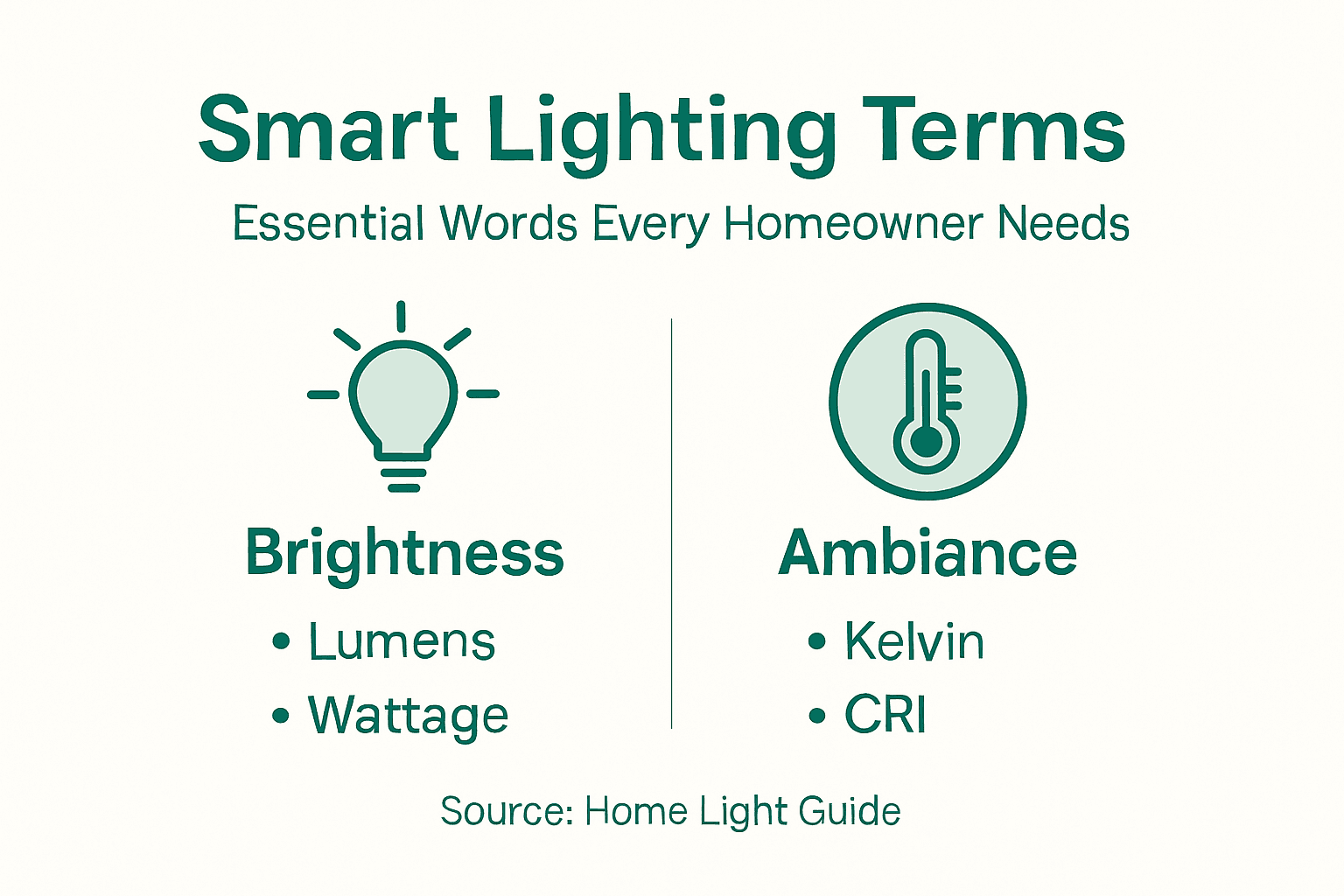
One debunked myth worth addressing: smart lights are not overly expensive or complicated anymore. Early systems required extensive wiring and technical knowledge, but today’s wireless, rechargeable options eliminate those barriers. When you’re selecting smart lighting, focus on the practical terms that affect your daily experience: brightness (lumens), light color (Kelvin), and color accuracy (CRI). The rest is implementation detail.
Here’s a quick reference for common smart lighting technical terms:
| Term | What It Means | Why It Matters |
|---|---|---|
| Lumens | Brightness output rating | Ensures space is properly illuminated |
| Color Temperature | Warmth or coolness of light | Sets room ambiance and functionality |
| CRI (Color Rendering Index) | Color accuracy under lighting | Affects appearance of objects and colors |
| IoT Connectivity | Device communication method | Enables remote and automated control |
| Mesh Network | Devices relay signals | Improves range and reliability |
Pro tip: Start by identifying which rooms matter most to you, then match color temperatures to those spaces—warm light for relaxation zones, cool light for task areas—before getting caught up in other technical specs.
Your smart lighting system relies on wireless technologies to communicate between your phone, the lights, and any automation hub you might use. Understanding these core technologies helps you make informed choices about which system works best for your home.
Wireless protocols are the languages your devices speak to each other. The most common options for residential smart lighting include Zigbee, Z-Wave, Wi-Fi, and Bluetooth. Each has distinct advantages depending on your home’s layout, the number of devices you want to control, and your specific needs. IoT communication protocols vary in range, power consumption, and reliability, so choosing the right one affects how smoothly your lights respond to commands.
Zigbee and Z-Wave are mesh network protocols, meaning each light can relay signals through other lights to extend coverage throughout your home. This is powerful because you get better range without needing a strong central hub. Wi-Fi lights connect directly to your router, offering simpler setup but potentially less reliable connections if your Wi-Fi signal is weak in certain rooms. Bluetooth works well for individual light control but has limited range compared to the others.
Control protocols determine how commands travel. Wireless control systems use architectures designed for low-latency communication, meaning your lights respond quickly when you tap your phone. Modern residential systems prioritize reliable, fast responses over the complex professional-grade protocols used in commercial installations.
The practical reality for most homeowners is that setup is now incredibly simple. Today’s wireless smart lights come pre-configured and often connect to your phone within minutes. You don’t need to understand protocol details to enjoy the benefits. What matters is knowing that modern systems are designed for reliability and security, with encrypted signals protecting your data.
One important note: security features vary by protocol. Zigbee and Z-Wave use standardized encryption, while Wi-Fi relies on your router’s security. When comparing systems, look for mentions of encryption and regular security updates.
Compare the main wireless protocols for smart lighting systems:
| Protocol | Range | Reliability | Security Features |
|---|---|---|---|
| Zigbee | Whole home | High (mesh network) | Standardized encryption |
| Z-Wave | Whole home | High (mesh network) | Standardized encryption |
| Wi-Fi | Room/house | Depends on router | Relies on router settings |
| Bluetooth | Single room | Limited by distance | Device-level encryption |
Pro tip: If you’re planning multiple lights across different rooms, consider a mesh network protocol like Zigbee or Z-Wave for more reliable coverage than Wi-Fi alone, especially in homes with thick walls or difficult layouts.
Smart lighting comes in several distinct device types, each serving different purposes in your home. Knowing what each type does helps you build a system that actually matches your needs rather than buying random devices that don’t work together.
Smart bulbs are the most popular starting point. These replace your existing bulbs and connect wirelessly to your phone or automation system. You can change brightness, color temperature, and sometimes even full RGB colors depending on the model. The advantage is simplicity: screw in a bulb and you’re done. No rewiring required.

Smart switches and dimmers replace your existing wall switches. They control one or more light fixtures from a central point without needing smart bulbs. This works great if you want to automate an entire room or hallway at once. Switches offer on/off control while dimmers let you adjust brightness gradually.
Motion sensor lights detect movement and turn on automatically. These are perfect for hallways, stairs, closets, or exterior spaces where you want hands-free operation. Many models include daylight detection, so they won’t activate during bright daylight hours, saving energy.
Photocells and daylight sensors respond to ambient light levels. When darkness falls, these devices can trigger lights to turn on automatically. Unlike motion sensors, they work based on sunlight rather than movement, making them ideal for outdoor areas or security lighting that should stay on all night.
Networked lighting control systems can combine multiple device types into one integrated setup. You might use smart bulbs in key rooms, motion sensors in hallways, and dimmer switches in living areas. The beauty is they all communicate through the same wireless protocol, so you control everything from one app.
Starting small is smart. Many homeowners begin with smart bulbs in one or two rooms, then expand. As your comfort grows, you can add switches, sensors, and automated schedules that work together seamlessly.
Pro tip: Begin with motion sensors in high-traffic areas like stairs and hallways where they provide immediate safety benefits, then expand to other rooms once you understand how the system works.
The real power of smart lighting goes beyond turning lights on and off from your phone. The features that make systems worthwhile are schedules, sensors, and the ability to customize how light makes your home feel.
Scheduling lets you automate lights based on time of day. You can set lights to turn on gradually at sunrise, brighten during work hours, then dim in the evening to help your body prepare for sleep. Many systems let you create different schedules for weekdays versus weekends, matching your actual routines. This works especially well when you travel, as you can simulate occupancy to enhance security.
Motion and occupancy sensors detect when people are present in a room. Unlike basic motion sensors that trigger instantly, occupancy sensors track continuous presence, keeping lights on as long as someone is there. Smart lighting controls use these sensors to automatically adjust brightness and even turn off lights when spaces are empty, cutting energy waste significantly.
Photosensors respond to natural daylight. When sunshine floods through your windows, photosensors dim or turn off artificial lights automatically. This reduces energy consumption and prevents the awkward feeling of excessive lighting during bright afternoons. At dusk, they trigger lights to activate, ensuring your home stays well-lit without manual adjustment.
Ambiance customization lets you set the mood in each room. Warm light at 2700 Kelvin works best for bedrooms and living areas, while cooler light at 4000-5000 Kelvin suits kitchens and home offices. Color changing bulbs add another layer, letting you match lighting to activities or even your mood.
The combination of these features is what transforms ordinary lighting into a system that works for you. When schedules work with sensors and ambiance controls, your home adapts to your lifestyle without constant manual adjustments.
Pro tip: Start with motion sensors in hallways and bathrooms, then add scheduling to bedrooms for gradual morning brightness that naturally wakes you without jarring overhead lights.
Smart lighting isn’t just about convenience. The real value comes from energy savings, improved comfort, and the freedom to customize your home without calling an electrician.
Energy savings are measurable and immediate. Smart lights use LED technology that consumes 75 percent less energy than incandescent bulbs. Add automated scheduling and occupancy sensors, and your monthly electricity bill drops noticeably. Many homeowners see 20 to 30 percent reductions in lighting costs within the first year.
Well-being improvements happen quietly in the background. Light affects your circadian rhythm, mood, and sleep quality. Gradually brightening lights in the morning can help you wake naturally while dimming evening lights signals your body to prepare for rest. Smart lighting benefits extend beyond comfort to genuine health improvements through customized color temperatures and scheduling.
DIY installation is straightforward with modern systems. You need no electrical experience or special tools. Smart bulbs screw into existing fixtures, wireless switches stick to walls without wiring, and motion sensors mount with simple adhesive strips. Most setups are complete within minutes, not hours.
Remote control and automation give you flexibility without complexity. Control lights from anywhere using your phone, set schedules that match your lifestyle, or use voice commands if you prefer hands-free operation. You can simulate occupancy while traveling or create scenes for different activities.
Cost effectiveness matters for budget-conscious homeowners. You can start small with a few smart bulbs and expand gradually as your comfort grows. No expensive electrician visits required. This modular approach lets you spread costs over time rather than investing thousands upfront.
The combination of savings, health benefits, and ease of installation makes smart lighting practical for any homeowner. And yes, I learned this the hard way—my first motion sensor light paid for itself in saved electricity within four months.
Pro tip: Begin with motion sensors in your highest-traffic areas and smart bulbs in one frequently used room to see immediate value before expanding your system elsewhere.
Not all smart lights play nicely together. Compatibility issues frustrate many homeowners who buy devices assuming they will work seamlessly. Understanding common pitfalls helps you avoid expensive mistakes.
Protocol mismatches happen when devices use different wireless languages. A Zigbee light won’t communicate with a Z-Wave hub without a bridge device. A Wi-Fi bulb from one manufacturer might not sync with voice control from another ecosystem. Check compatibility before buying anything. Manufacturers should clearly state which protocols their devices support.
Non-standardized interfaces create confusion across smart lighting systems. Smart lighting compatibility issues arise when devices lack common communication standards, forcing you to juggle multiple apps instead of controlling everything from one place. This fragmentation wastes time and drains your patience.
Hub dependency is another trap. Some systems require a central hub to function, while others operate independently. If your hub fails, your entire system goes offline. Mesh network systems that work peer-to-peer offer better reliability since they don’t depend on a single failure point.
Installation mistakes derail projects quickly. Don’t assume your Wi-Fi is strong enough in every room. Test signal strength before investing in Wi-Fi lights, especially in basements or distant corners. Interference from microwaves and cordless phones can weaken wireless connections unpredictably.
Firmware updates matter more than most homeowners realize. Old components may lack security patches or stop receiving updates entirely. Before purchasing, verify how long the manufacturer commits to supporting the product. Abandoned devices create security risks and stop receiving features.
Environmental factors affect performance. Thick concrete walls, metal objects, and physical distance all weaken wireless signals. Building layout matters as much as protocol choice. Test coverage in problem areas before expanding your system.
The path forward is simple. Start with one ecosystem, verify compatibility thoroughly, and expand deliberately rather than buying randomly.
Pro tip: Check manufacturer websites for explicit compatibility charts before purchasing, and choose devices from the same ecosystem to avoid needing multiple hubs and separate apps.
Understanding smart lighting terminology like lumens, color temperature, and motion sensors can feel overwhelming but it is key to creating the perfect ambiance while saving energy and boosting safety. If you want hassle-free solutions that combine brightness control, automated schedules, and wireless convenience, exploring our Smart Motion Sensor Lights Collection is the perfect next step. These lights deliver reliable performance with easy installation, no wiring, and premium features such as daylight detection and adjustable tones.
Don’t let confusing technical jargon stop you from enjoying smart lighting benefits today. Visit Try Illuminate now to discover our Best Sellers and experience firsthand how simple and rewarding home automation can be. Start upgrading your home lighting safely, efficiently, and beautifully with products designed for real homeowners like you.
Lumens measure the brightness output of light fixtures, not watts. Understanding lumens helps you choose the right lights for your space, ensuring proper illumination based on your specific needs.
Color temperature is measured in Kelvin (K) and determines whether a light appears warm or cool. Lower values create a cozy atmosphere suitable for living areas, while higher values enhance focus in workspaces.
The Color Rendering Index (CRI) indicates how accurately colors appear under a light source. A higher CRI means colors look more natural, making it essential in areas where color accuracy is important, like kitchens and bathrooms.
Smart switches replace existing wall switches and control multiple light fixtures, providing centralized control. They are ideal for automating entire rooms without needing to replace all bulbs, which can be more cost-effective for larger setups.

What Is Motion Sensor Lighting and Why It Matters
What is motion sensor lighting? Discover types, smart features, and home benefits. Learn how it boosts safety, saves energy, and simplifies everyday life.
Read more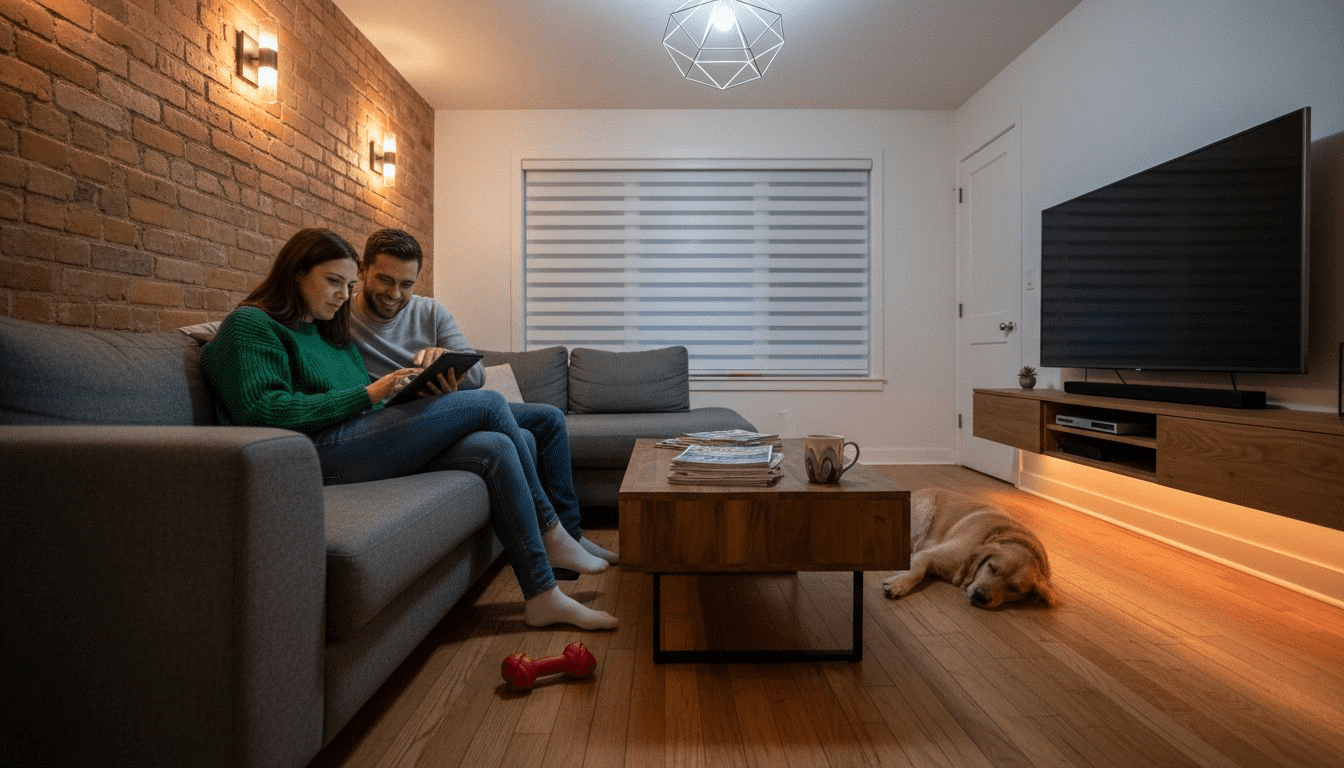
7 Types of Home Lighting Every Smart Homeowner Should Know
Discover 7 types of home lighting that boost safety, energy savings, and ambiance. Learn practical tips for easy DIY smart upgrades in every room.
Read more